

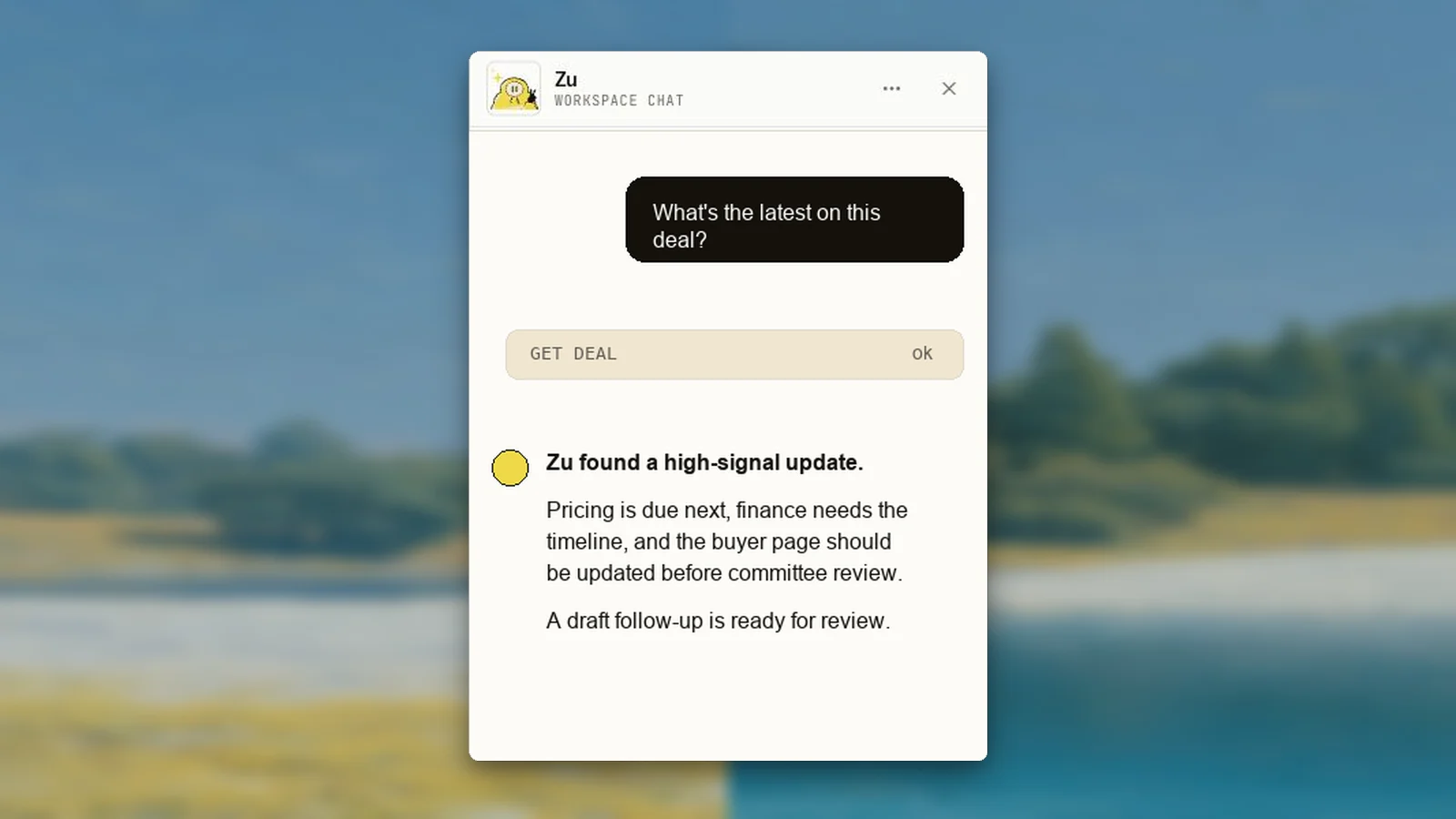
What Zu can see
Zu receives workspace context, the current route, and the current deal when you are on a deal page. It can use tools to fetch the records it needs instead of guessing from the visible page. Common questions:- “What deals need attention?”
- “What’s the latest on this deal?”
- “Who should I follow up with?”
- “Draft a recap for the buyer.”
- “Find the pricing objection from the last calls.”
Tools Zu can use
Zu can inspect workspace records and create work through scoped tools, including:- Deals and deal details
- Contacts attached to a deal
- Recent emails and drafts
- LinkedIn posts and engagement
- Business-case content
- Buyer-package assets such as TLDRs, business-case pages, and follow-up emails
- Uploaded chat attachments
- Master Vault documents that are safe for agent use
Attachments
You can attach files to chat when the answer depends on material outside Yuzu. Supported files are indexed into searchable chunks so Zu can retrieve the relevant parts without pushing a whole document into the model context. Supported intake includes common documents and media such as PDF, DOCX, XLS/XLSX, CSV, Markdown, HTML, PPTX, text, OTF font metadata, PNG/JPEG image text, and audio formats.Where chat appears
Zu appears on authenticated workspace routes. It does not mount on public buyer routes such as/v/..., /link/..., sign-in, sign-up, checkout, or onboarding.
Zu outside the app
Zu can also answer from connected team channels when the workspace has external chat configured. Slack and Telegram messages are routed to the right workspace, and replies show the workspace scope so a seller can tell which Yuzu account answered. External chat is for quick questions and coordination. When Zu creates buyer-facing work, that work still goes through the normal review surface: the deal email editor, LinkedIn post review, business-case review, TLDR editor, or an approval flow in Slack.Observability
Admins can open/admin/agents to inspect recent chat turns, tool calls, compactions, model usage, token counts, and estimated cost. This page is meant for debugging and audit, not buyer-facing work.