

What LinkedIn enables
When LinkedIn is connected, Yuzu can:- Draft posts from deal context, calls, and generated assets.
- Show posts in Studio for editing and approval.
- Show post previews with profile identity, headline, media, reactions, and comments.
- Publish approved posts from the connected profile.
- Schedule reviewed posts to publish later.
- Store the live post URL.
- Pull reactions and comments back into Yuzu.
- Match engaged actors to saved People records when their profile URL matches.
Connection status
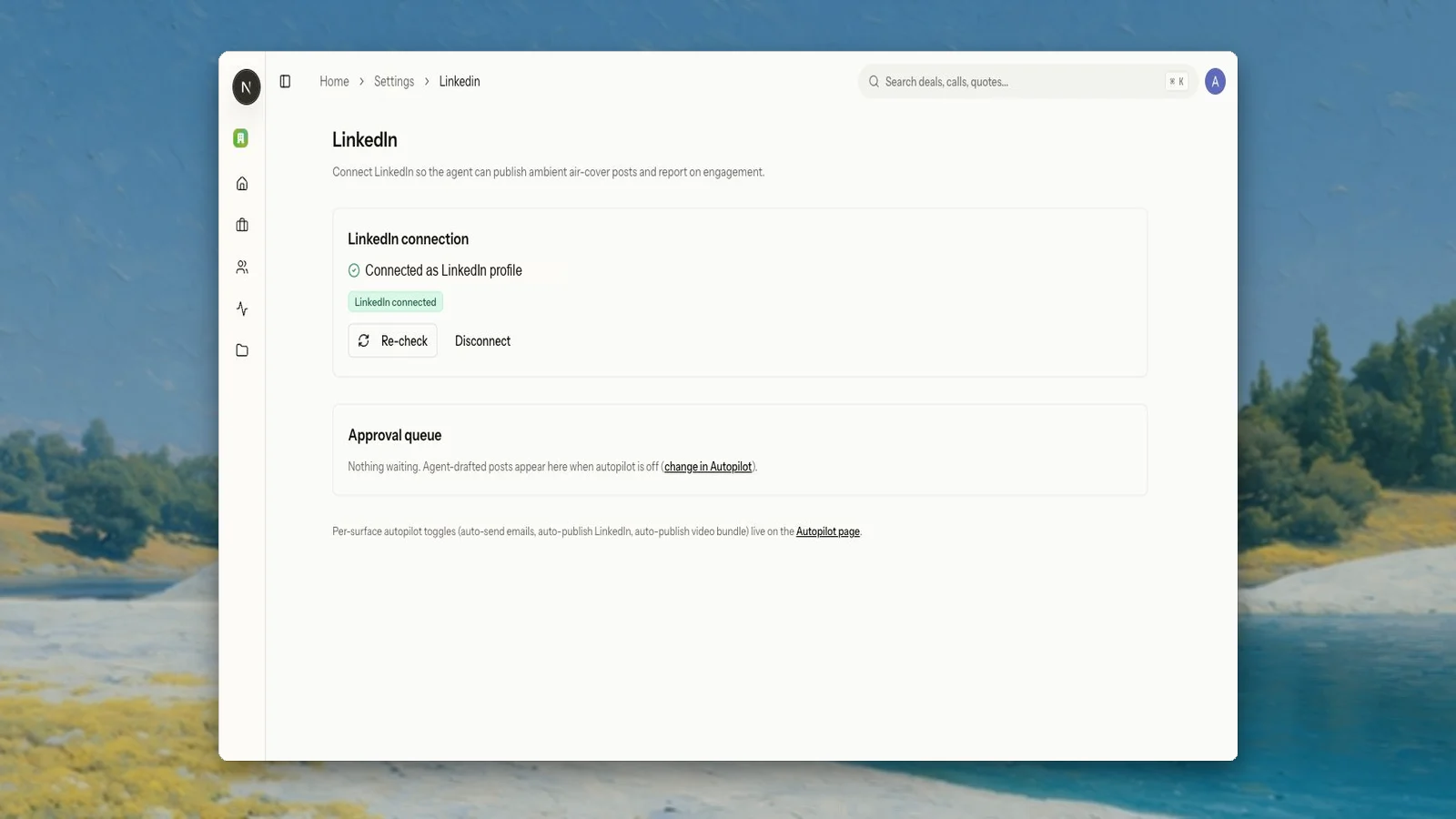
Open Settings → LinkedIn to check whether a profile is connected. The page shows connection status and an approval queue for agent-drafted posts when LinkedIn autopilot is off.Studio workflow
LinkedIn posts live under Studio → LinkedIn. A post can include body copy, hashtags, media, status, and live-post metadata once published. The post detail view is designed to feel closer to LinkedIn itself: the connected profile identity appears with the draft, media attachments render in the preview, reactions can be inspected, and the comment box stays hidden until the seller chooses to comment. Before publishing, review:- The post body and tone.
- Any attached image or video.
- Buyer or deal references.
- Whether the post should be edited before it goes live.